Top 10 Obsidian Alternatives for 2026: More Than Just Bi-directional Linking
Explore the best AI-powered knowledge management tools in 2026, comparing Buildin, Obsidian, Craft, Heptabase, and more.
Obsidian is powerful. But 'powerful' doesn't always mean 'easier to use.' Most people who search for Obsidian alternatives aren't abandoning the idea of a personal knowledge base — they're looking for one that doesn't require a weekend of setup, a plugin for every basic feature, and a separate sync solution just to access notes on their phone.
Obsidian's three biggest friction points in practice: managing a growing plugin ecosystem where one update can break your workflow; mobile sync that requires a $10/month subscription or a DIY workaround; and local-only storage that makes team collaboration essentially impossible without significant extra work.
In 2026, there are genuinely better options depending on what you need. If you want Obsidian-style linking without the complexity, try Logseq. If you want collaboration, try Buildin or Notion. If you want visual thinking, try Heptabase. This guide covers the 10 best Obsidian alternatives tested in 2026, with honest breakdowns of who each one is actually for.
Today, I’m rounding up the top 10 Obsidian alternatives worth trying in 2026.
1. Buildin
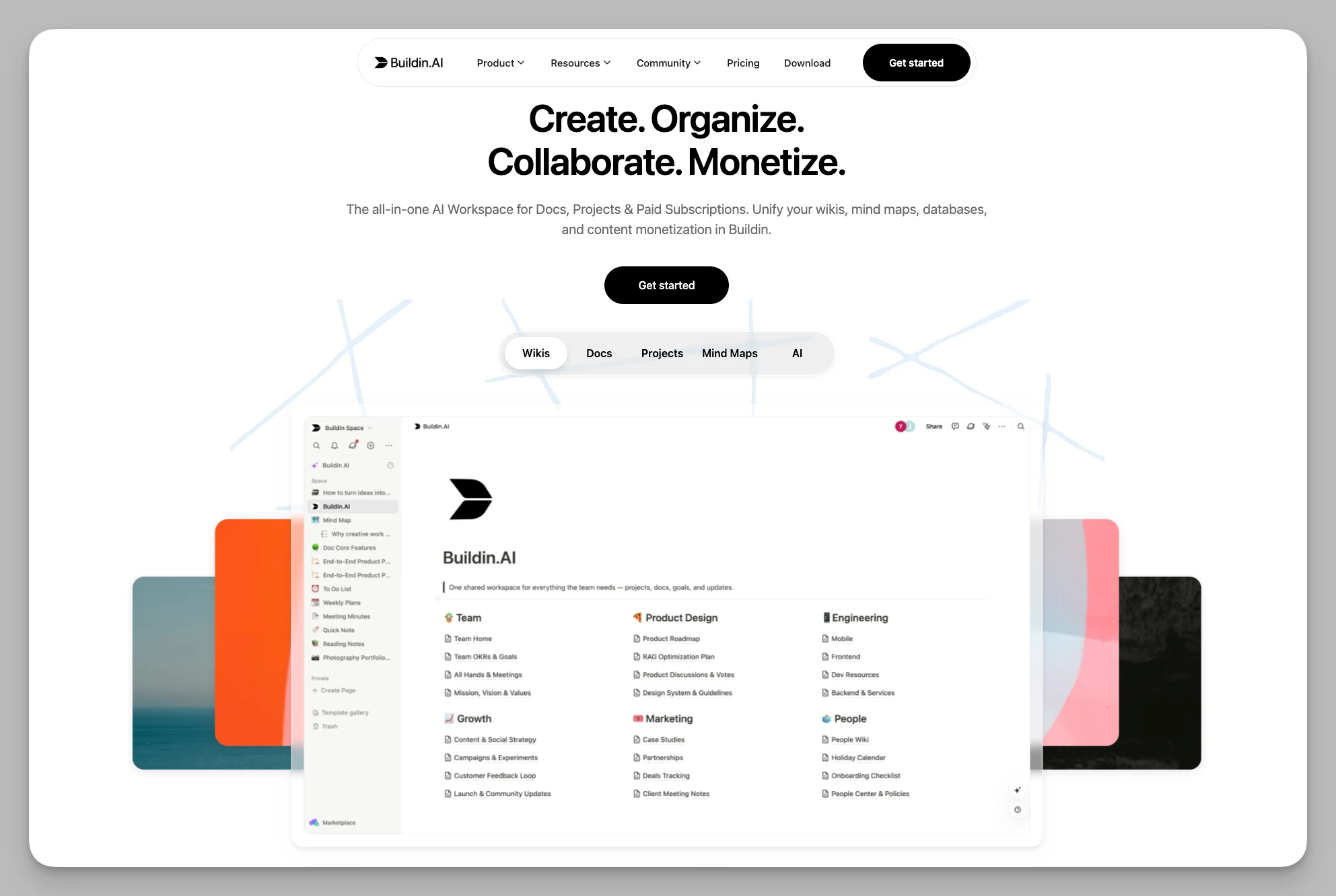
Buildin is an all-in-one knowledge platform designed for individuals, teams, and digital creators. It breaks the boundaries between recording, management, and commercial monetization, providing a near-perfect productivity loop for users seeking a "one-stop solution."
Key Features:
Efficient Recording: Offers flexible pages, databases, and nested structures, perfectly compatible with personal notes and team knowledge bases.
Content Monetization: Built-in paid subscription mechanisms allow you to turn notes, templates, or tutorials directly into digital products.
AI Knowledge Base: Deeply integrates AI semantic search, automatic summarization, and intelligent generation to quickly connect fragmented insights.
Mind Maps & Architecture: Features native mind mapping that supports bi-directional links while maintaining traditional folder management habits.
Automation Ecosystem: Provides an open API for power users to integrate external services and build custom workflows.
Private Deployment: Supports self-hosting or private cloud options to ensure corporate data sovereignty and brand customization.
Pros:
All-in-One Functionality: Integrates notes, collaboration, and monetization, significantly reducing tool-switching costs.
Monetization Friendly: Comes with a built-in settlement system, simplifying the path for distributing and selling digital products.
Smooth Migration: Extremely friendly to Notion users, supporting one-click migration via API.
Native Teamwork: Strong real-time collaboration capabilities, easily handling enterprise-level knowledge management.
Pricing: Free for the basic individual version; Plus version at ¥10/user/month; Enterprise version offers customized solutions.
2. Heptabase
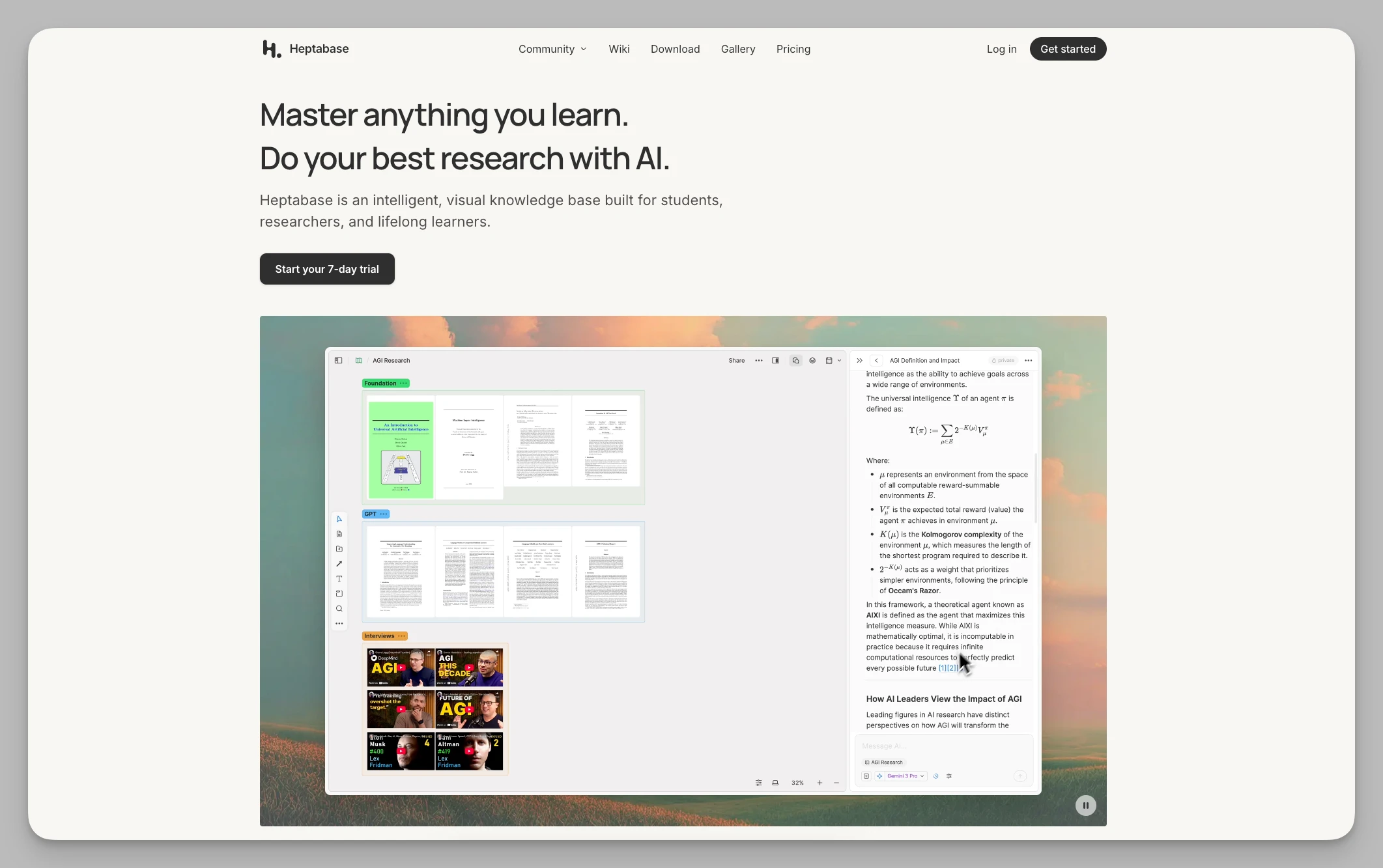
Heptabase is a visual thinking tool built for complex learning tasks. It turns scattered notes into cards, allowing users to clear their thoughts in an infinite canvas space.
Key Features:
Visual Workflow: Drag and drop note cards onto a whiteboard (Canvas) to build logical maps via lines and grouping.
Deep PDF Integration: Built-in PDF reader supports direct excerpts; highlighted text can be turned into canvas cards with one click.
Dual-Axis Timeline: Offers a Journal view, allowing daily flashes and deep research cards to coexist on a timeline.
Structured Maps: Manage multiple workspaces through the Map view, achieving seamless zooming from macro frameworks to micro details.
Pros:
High Learning Efficiency: Ideal for handling massive reference materials, significantly reducing the cognitive load of understanding complex concepts.
Visual Orientation: The whiteboard layout makes connections between knowledge clear at a glance, breaking the limitations of traditional linear documents.
Pricing: Paid software, approx. $11.99/month (Free trial available).
3. Tana
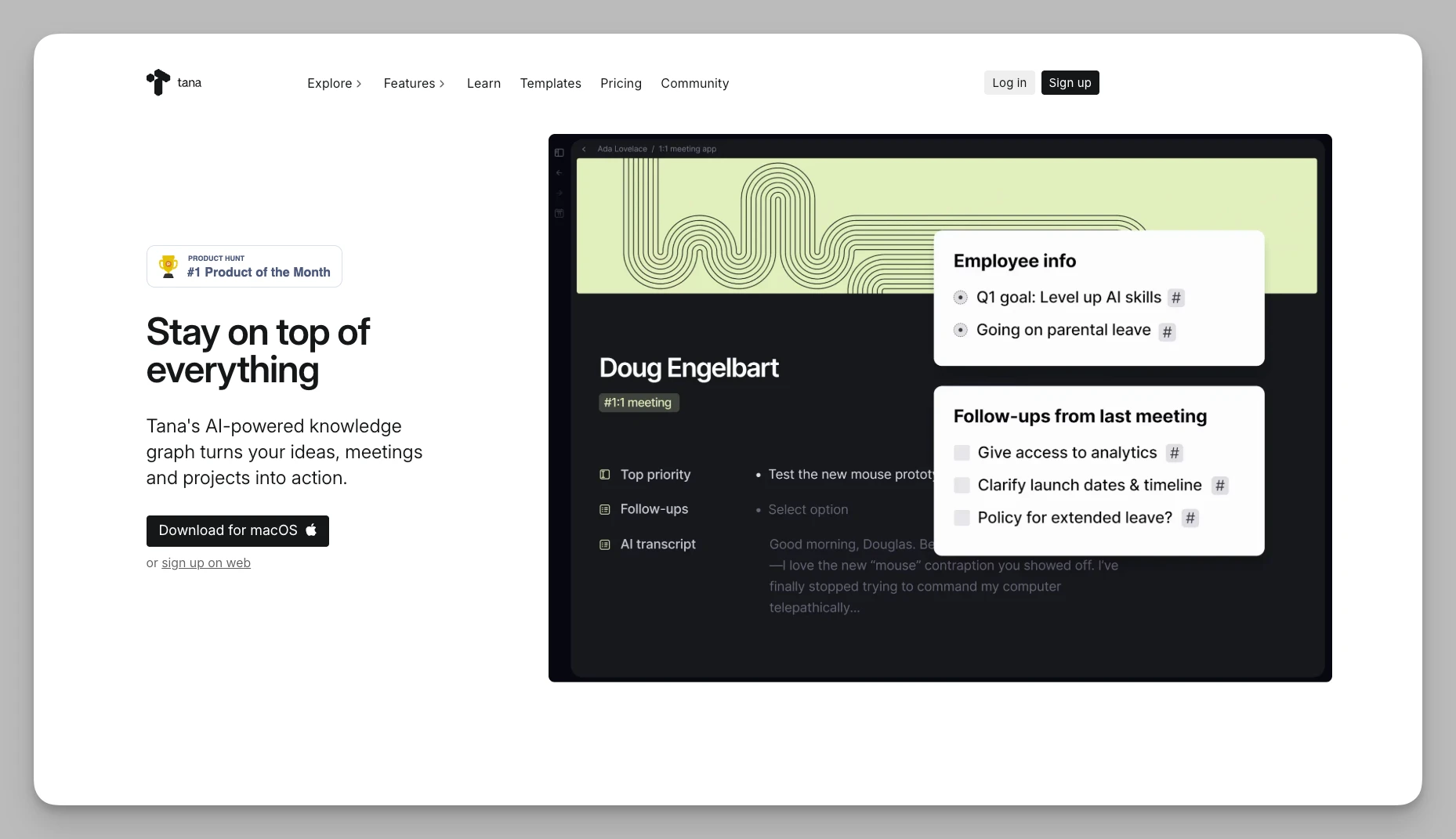
Tana is the "Architect" of the note-taking world, completely overturning traditional folder hierarchies in favor of highly structured node logic.
- Command Flow Automation: Built-in shortcuts support automatic data migration and status changes through simple configurations.
Key Features:
Supertags: Assign structured fields to nodes, giving every line of notes powerful database attributes.
Live Queries: Automatically collect relevant nodes from across the workspace based on preset conditions for automated summaries.
Multi-dimensional Views: Data under the same tag can be switched between outline, kanban, table, and other views at will.
Pros:
No Manual Organization: Extremely rigorous data logic; once a system is built, there’s almost no need to manually move file locations.
Extreme Flexibility: The node structure is perfect for handling fragmented, interconnected information—a godsend for building complex work systems.
Pricing: Core version starts at approx. $8/month.
4. Capacities
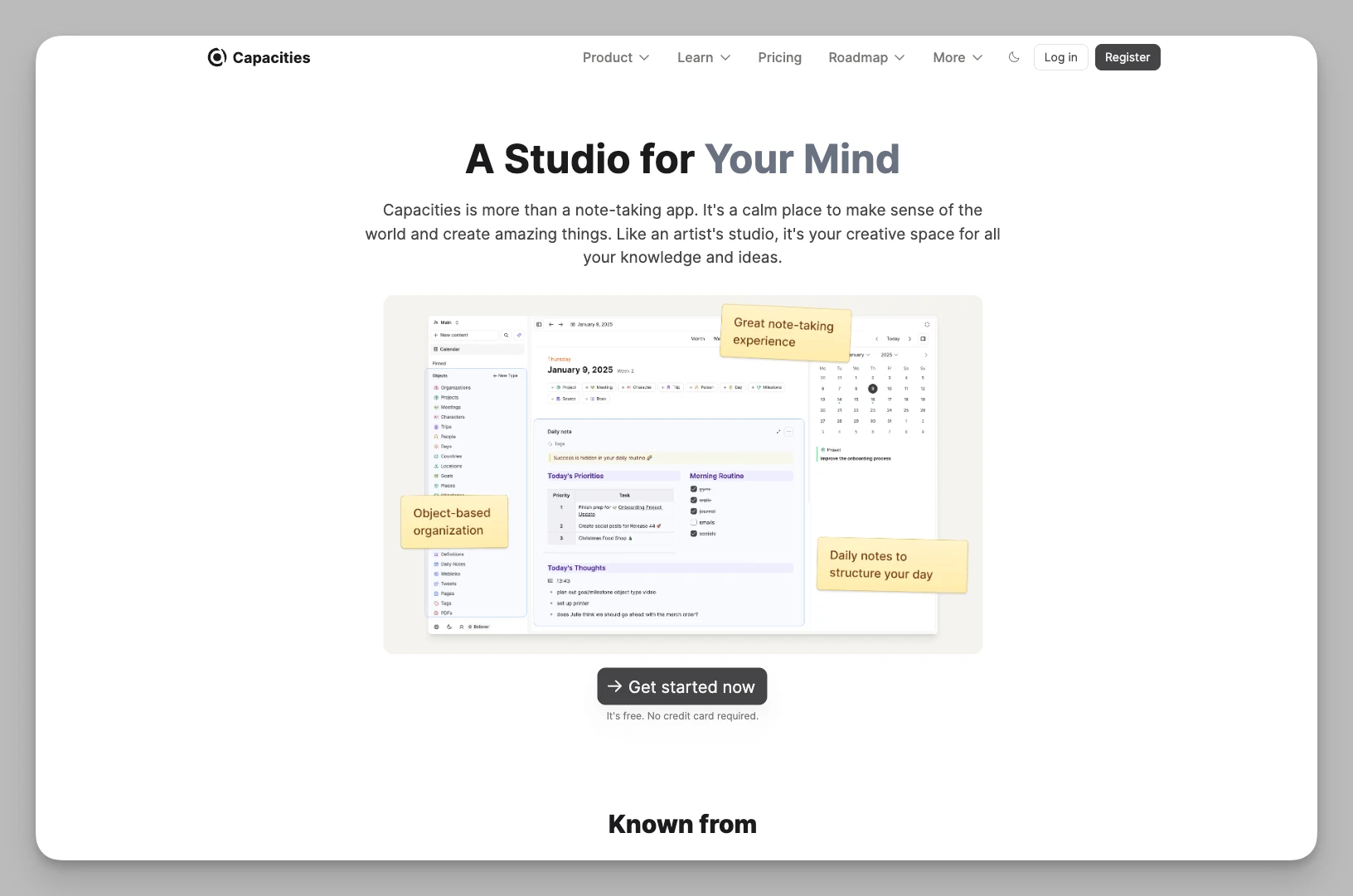
Capacities promotes a note-taking method centered around "Objects," striving to mimic the human brain’s natural way of perceiving things.
Key Features:
Object-Based Storage: Preset information as entities like "Books," "People," or "Projects," each with its own attribute templates.
Automatic Indexing: The system automatically generates beautiful index pages based on object types and dates, requiring no manual intervention.
Multi-dimensional Graph: Beyond bi-directional links, it generates relationship networks based on entity metadata for a more macro perspective.
Daily Note Flow: Provides a Daily Note view, supporting quick linking of fragmented inspirations to specific object entities.
Pros:
Aesthetic & Low Maintenance: High-end UI design; the system automates tedious categorization, keeping your knowledge base forever organized.
Encyclopedia Experience: Perfect for building personal encyclopedias and long-term, massive knowledge accumulation.
Pricing: Basic version is free; Believer version is approx. $9.99/month.
5. Logseq
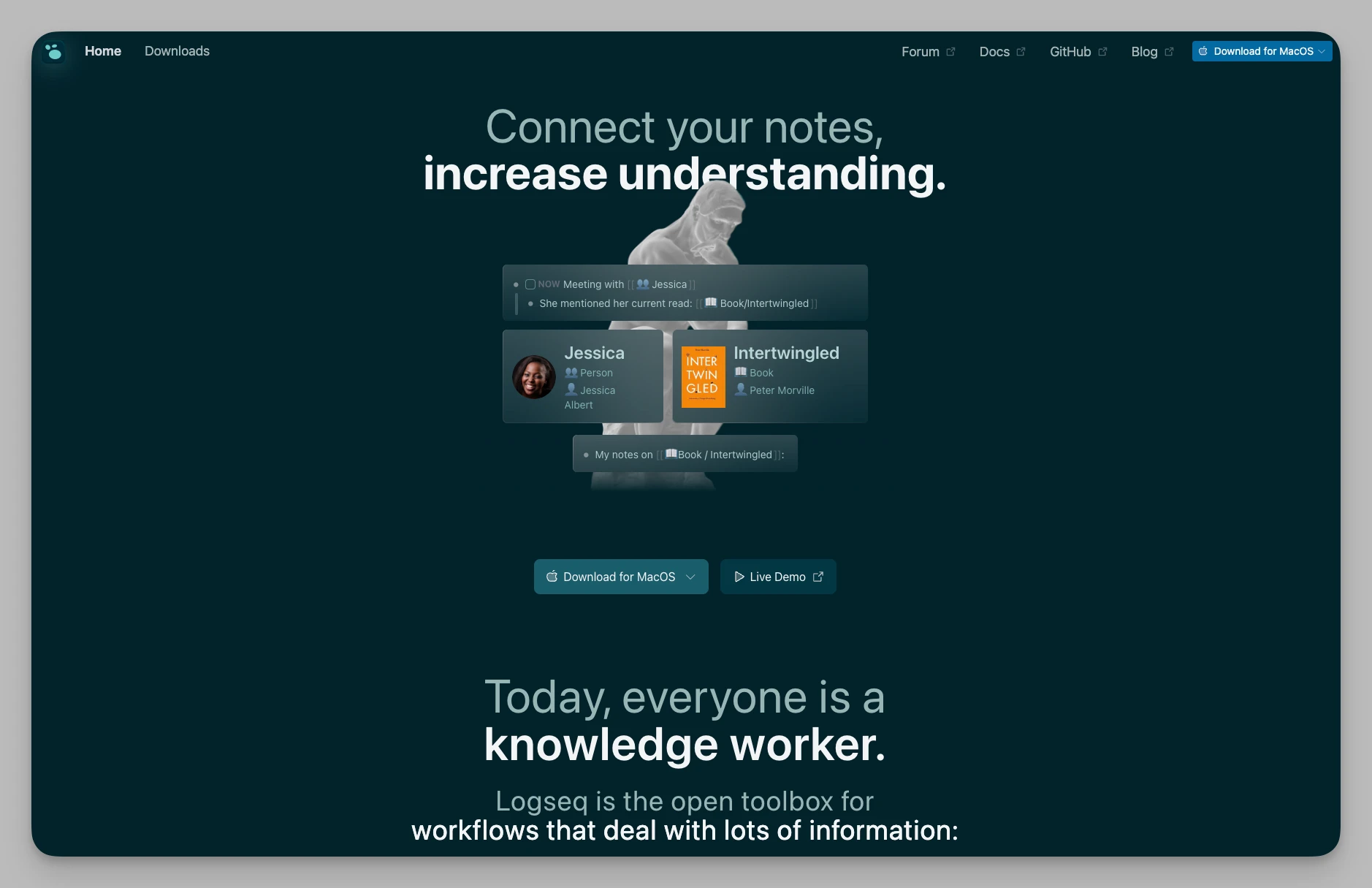
As a leader in the open-source world, Logseq remains the top choice for users seeking privacy protection and pure outliner logic.
Key Features:
Privacy-First Editor: Block-based outliner recording with data stored entirely locally, supporting native Markdown.
PDF Bi-directional Linking: Built-in PDF annotation tool allows citations to jump directly back to the original source; supports multi-document comparison.
Attribute Filtering: Add attribute tags to every block and use powerful advanced Queries to extract specific data.
Flashcards: Built-in spaced repetition system allows you to turn note blocks into review cards with one click.
Pros:
Complete Freedom: Open-source, free, and supported by a rich community plugin ecosystem; users have absolute control over their data.
Academic Friendly: Provides a top-tier experience for literature review, journal recording, and deep annotation.
Pricing: Completely free.
6. Craft
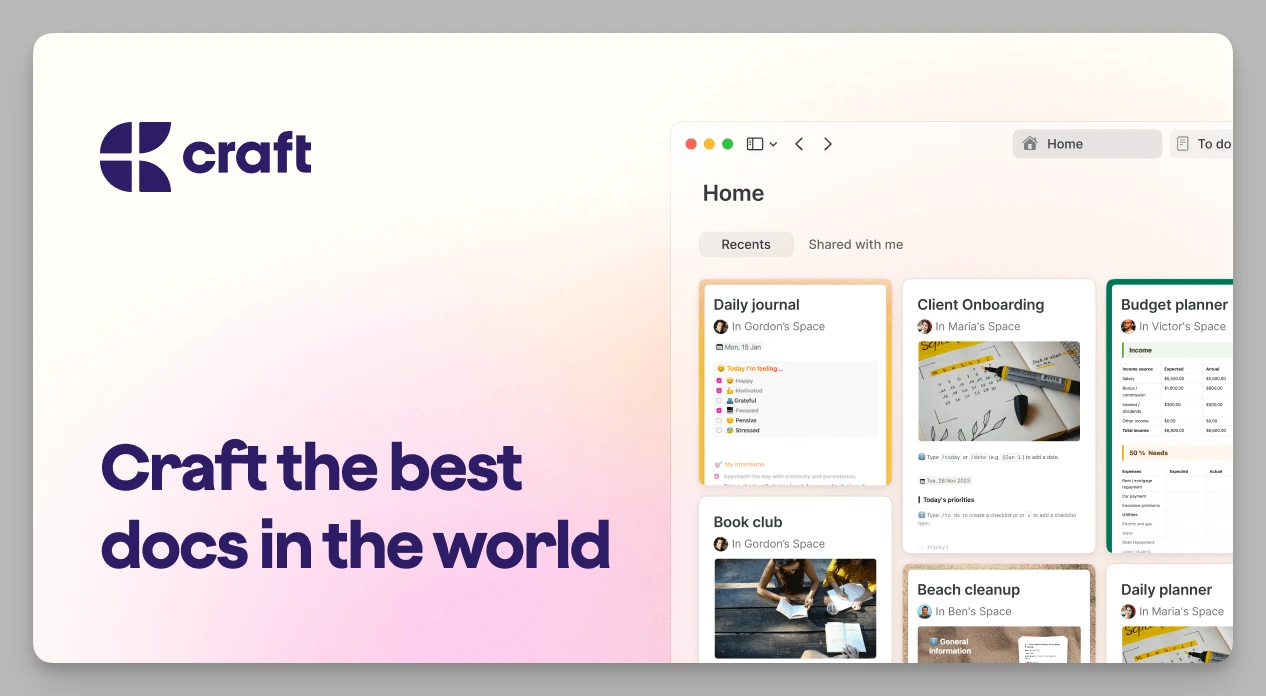
Craft perfectly combines the aesthetics of writing with document structure, making it one of the best interactive experiences in the Apple ecosystem today.
Key Features:
Hierarchical Cards: Supports nesting pages within pages to build deep document architectures like an onion skin.
Multi-device Collaboration: Native support for iOS, Mac, and Web, providing ultra-fast cross-device sync and real-time collaboration.
Beautiful External Sharing: Notes can be turned into stunning web pages with independent domains, supporting password protection and analytics.
Structured Layouts: Offers rich typography tools, multi-column layouts, and high freedom in aesthetic page design.
Pros:
Extreme Aesthetics: Layout effects rival design software, greatly enhancing the professional feel and readability of shared documents.
Silky Interaction: The native app is extremely responsive with intuitive gesture controls.
Pricing: Basic version is free; Plus version starts at $8.0/month.
7. Microsoft Loop
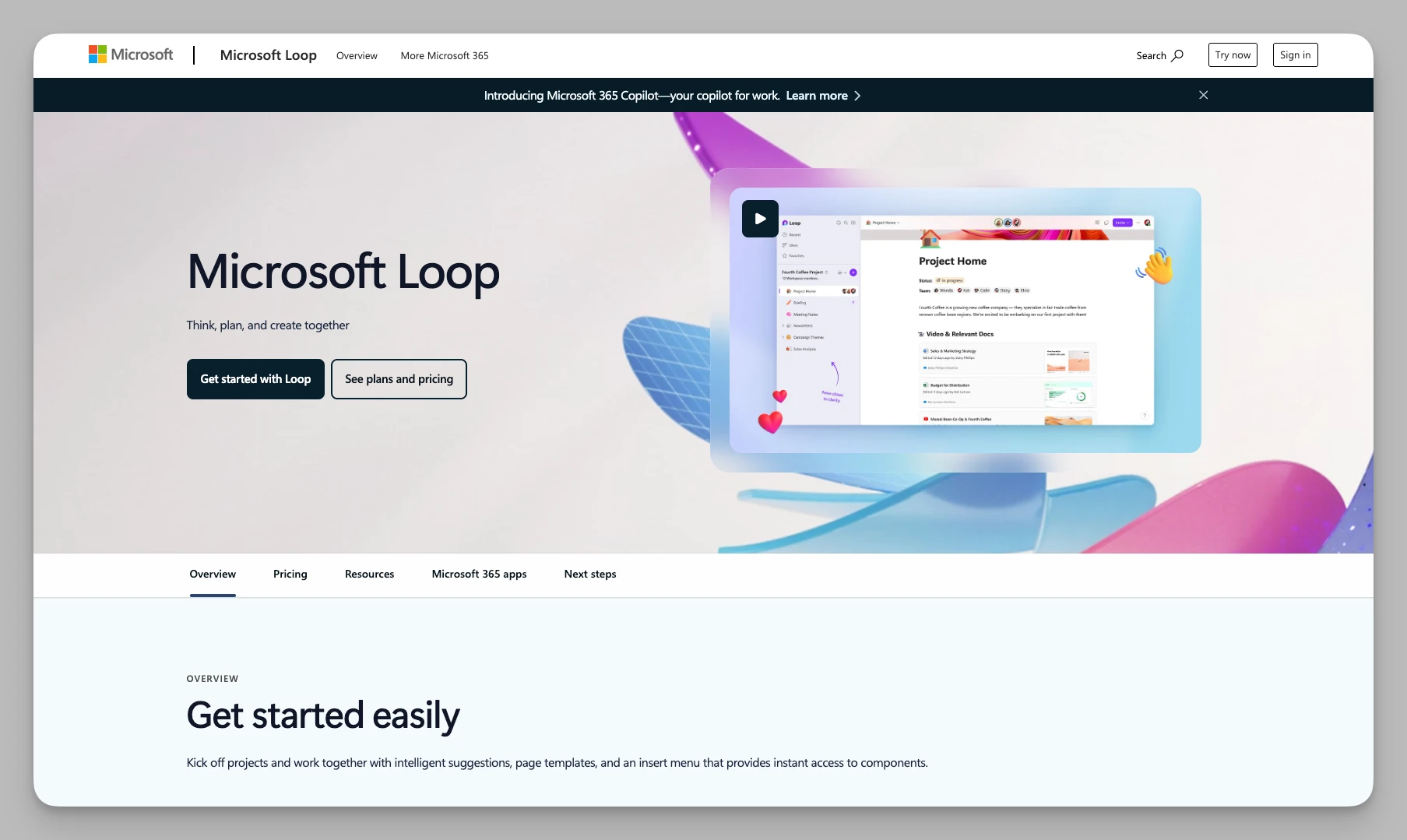
As the "connective tissue" of Microsoft productivity tools, Loop focuses on solving information fragmentation and collaboration gaps in modern teams.
Key Features:
Real-time Collaboration Components: Loop components sync across Teams, Outlook, and Word, with data updating in real-time.
Project Workspaces: Establish independent spaces to aggregate files, tasks, and collaboration chats from different apps.
Auto Task Tracking: Deeply linked with Planner and To Do; task items in notes automatically sync to the global to-do list.
Smart Page Templates: Provides various templates optimized for team brainstorming, project retrospectives, and more.
Pros:
Zero-barrier Collaboration: Greatly improves cross-app communication efficiency; for Office users, the learning curve is nearly zero.
High Value: An excellent free addition for Microsoft 365 subscribers.
Pricing: Included in Microsoft 365 subscriptions.
8. Trello
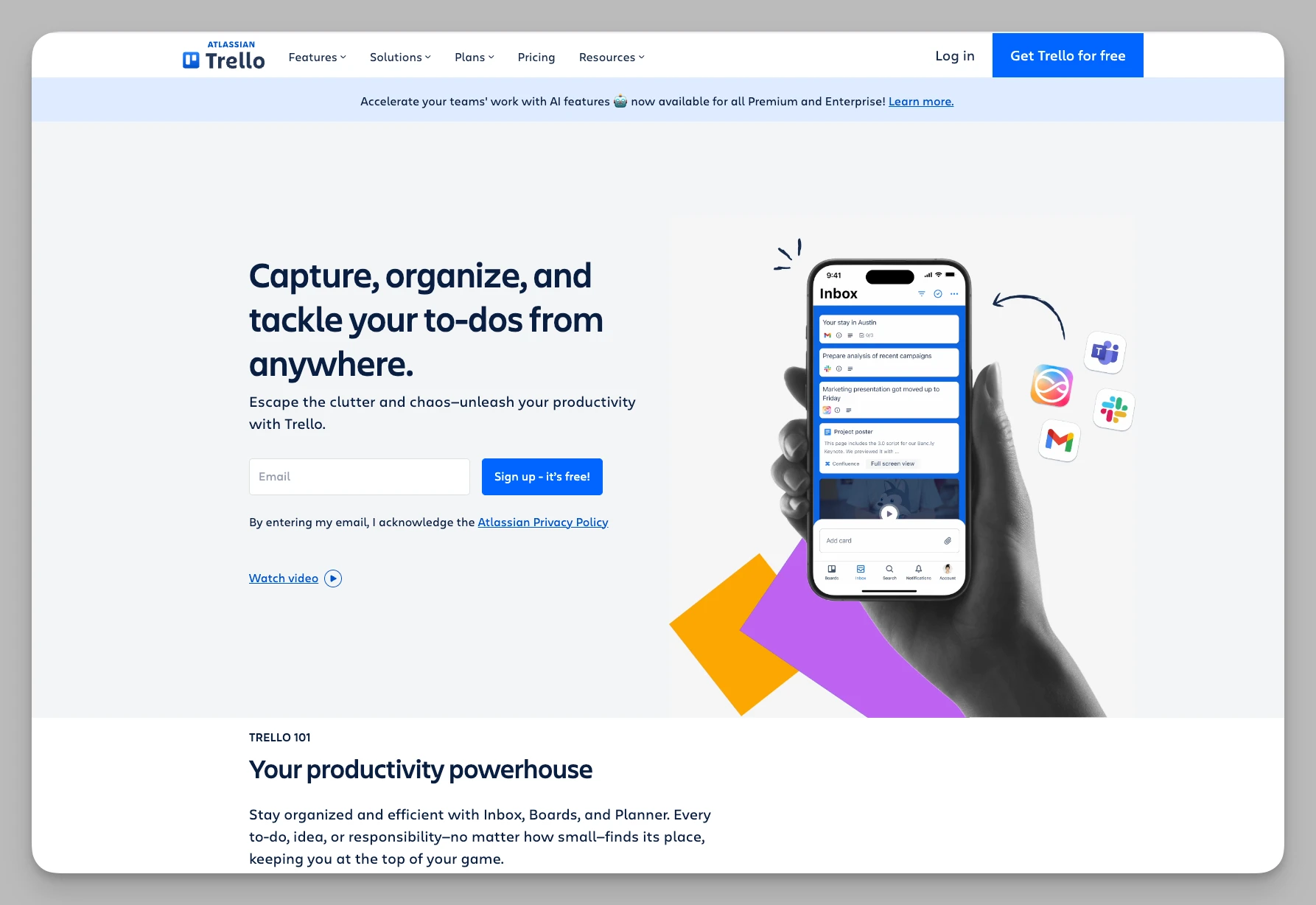
With its simple and intuitive kanban logic, Trello remains the go-to for managing project progress and non-linear task flows.
Key Features:
Visual Kanban System: Manage task flows through custom lists and cards, supporting drag-and-drop status updates.
Butler Automation: Built-in automation engine supports rule-based card movements and scheduled reminders.
Deep Plugin Integration: Offers hundreds of Power-Ups to link with Google Drive, Slack, and other third-party tools.
Multi-dimensional Filtering: Quickly filter cards by member, label, or due date for an at-a-glance view of complex projects.
Pros:
Ready to Use: Extremely simple logic, ideal for managing projects that require process-oriented advancement.
Full Platform Support: Excellent mobile experience, making it easy to update project status anytime, anywhere.
Pricing: Basic version is free; Standard starts at $5/month.
9. Bear
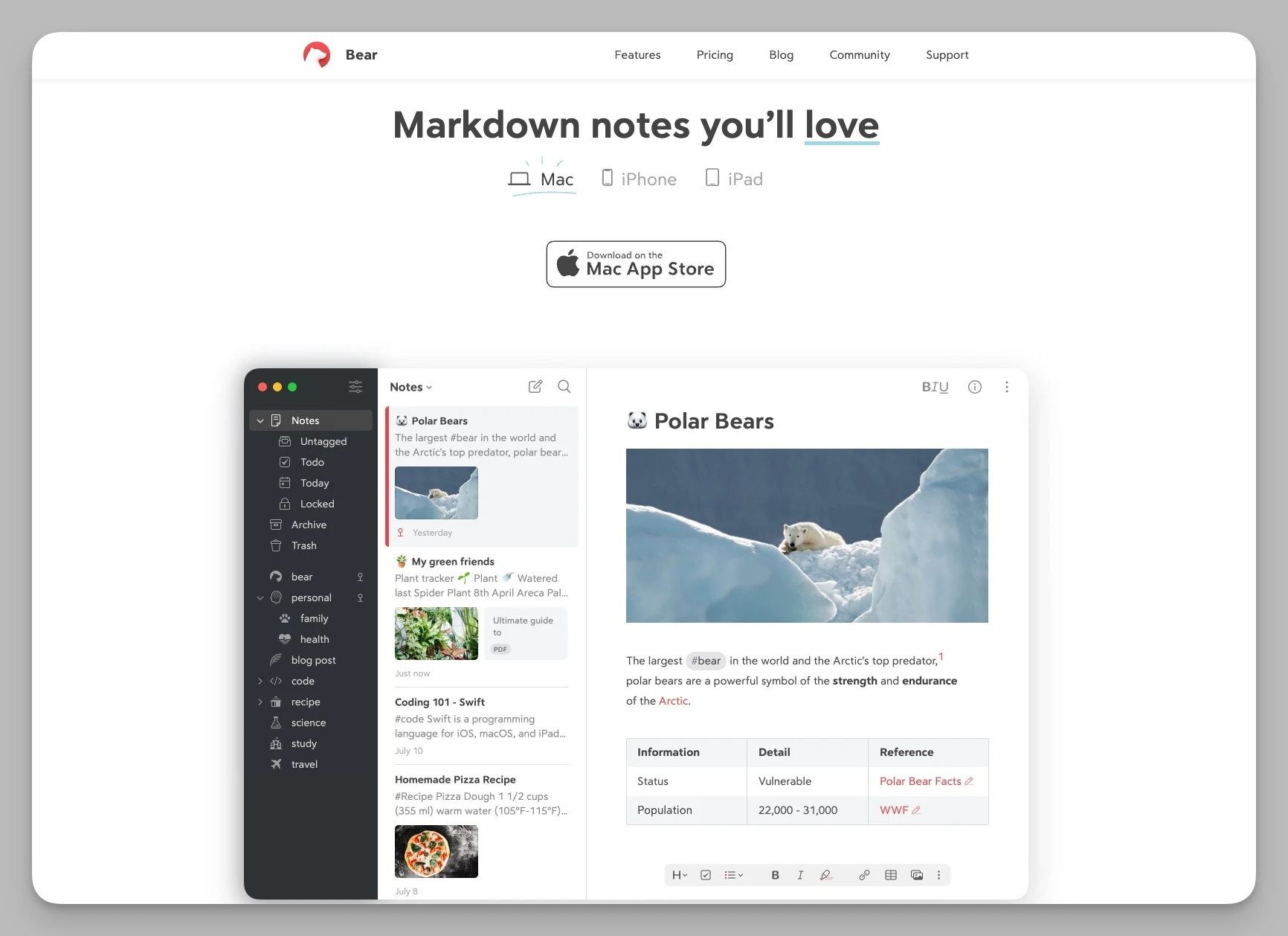
Bear is a pure, elegant Markdown writing app with just the right amount of features, dedicated to providing a peaceful thinking space for creators.
Key Features:
Flexible Nested Tags: Innovative hierarchical tag system (e.g., #Work/2026/Project) makes categorization feel dynamic and natural.
Deep Markdown: Supports Inline Preview, providing beautiful syntax highlighting and writing themes.
Advanced Export Options: Support for exporting notes to PDF, HTML, DOCX, and even JPG formats.
Quick Search & Extraction: Unique search syntax allows precise locating of specific task items, attachments, or formats within notes.
Pros:
Minimalist & Efficient: Extremely fast startup with no cumbersome hierarchies; the best companion for capturing instant inspiration and light writing.
Award-winning Experience: Exquisite interface and silky operation that align with Apple users' aesthetic habits.
Pricing: Approx. $2.99/month.
10. Notion
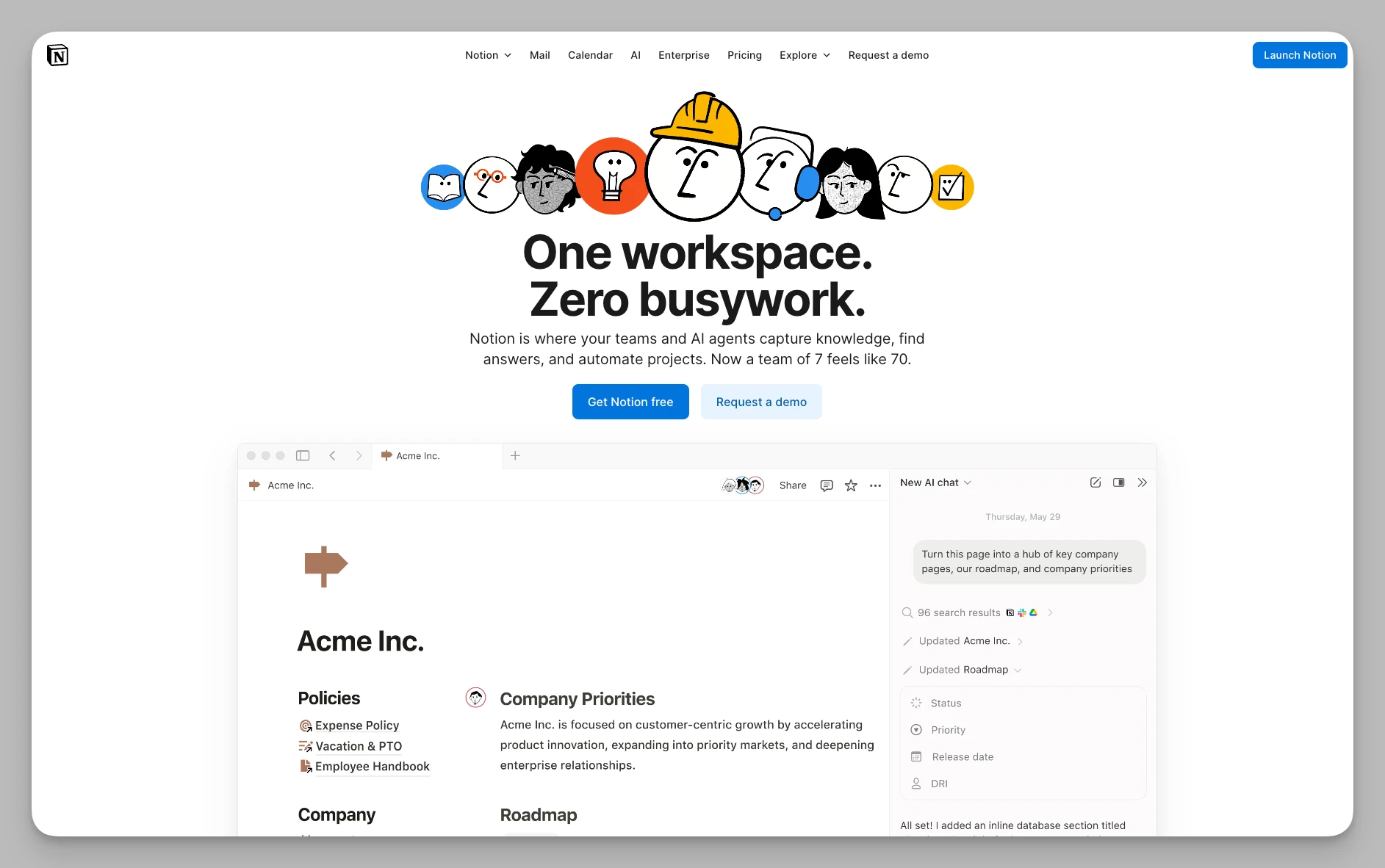
As the benchmark for all-in-one productivity tools, Notion has evolved in 2026 into a digital hub integrating documents, databases, and AI.
Key Features:
All-in-One Database System: Provides powerful custom attributes and multi-dimensional views (Table, Gallery, Calendar, Kanban, Timeline).
Notion AI Driven: Supports auto-writing, data extraction, multi-language translation, and AI chat based on the entire workspace knowledge.
Infinite Block Nesting: Almost all page elements are "blocks," allowing you to combine them into complex personal dashboards or corporate sites.
Global Template Community: Built-in massive official and third-party template libraries to reuse systems from top creators worldwide.
Pros:
Extremely High Ceiling: Not just for notes—it can become your financial report, project board, or even a personal blog.
Collaboration Standard: Finely-tuned permission management makes it the best practice platform for team collaboration.
Pricing: Free for individuals; Plus collaboration version starts at $10/month.
Core Tools Comparison Table
| Tool Name | Key Features Summary | Best For | Pricing Plan |
|---|---|---|---|
| Buildin | AI Knowledge Base, Mind Map, Monetization, Collaboration, Private Hosting | Independent Creators, Digital Teams, Knowledge Influencers | Free / Plus ¥10/mo+ |
| Heptabase | Visual Whiteboard, Deep PDF Excerpts, Research Management | Students, Researchers, Visual Thinkers | $11.99/mo |
| Tana | Supertag System, Data Automation, Node Management | Efficiency Geeks, Deep Data Organizers | $8/mo+ |
| Capacities | Object Modeling, Encyclopedia View, Auto Indexing | Long-term Knowledge Accumulators, Encyclopedia Collectors | Free / $9.9/mo |
| Logseq | Open-source Local Outliner, Block Refs, Deep PDF Links | Privacy-sensitive users, Open-source fans, Academic Research | Completely Free |
| Craft | Aesthetic Layouts, Hierarchical Cards, Beautiful Web Sharing | Apple ecosystem users, Professionals, Bloggers | Free / $8/mo+ |
| Microsoft Loop | Real-time Components, Office Ecosystem Integration | Heavy Office users, Enterprise teams | Included in 365 |
| Trello | Kanban Management, Inspiration Capture, Automation Rules | Project Managers, Process-oriented individuals | Free / $5/mo+ |
| Bear | Markdown Writing, Nested Tags, Lightweight Minimalism | Minimalists, Pure text creators | Approx. $2.99/mo |
| Notion | Universal Database, Deep AI Integration, Full Collaboration | All-in-one seekers, Team management, Startups | Free / $10/mo+ |
FAQPage Schema
Q: What is the best Obsidian alternative in 2026?
A: Buildin is the best Obsidian alternative for users who want easier onboarding, cloud sync, and team collaboration without losing the power of linked notes. For those committed to local-first Markdown, Logseq offers similar bidirectional links with a less steep learning curve than Obsidian.
Q: Why do people switch from Obsidian?
A: The most common reasons: Obsidian's setup complexity (100+ plugins required for a complete workflow), mobile sync costs extra ($10/month for Obsidian Sync), limited collaboration for teams, and no built-in task or project management. Users switching often cite wanting 'one app that just works' rather than a system they have to configure.
Q: Is there a free Obsidian alternative with cloud sync?
A: Yes. Buildin offers free cloud sync with its free tier. Notion and Logseq also provide free cloud-based access. Obsidian's free version requires iCloud, Dropbox, or a $10/month Obsidian Sync subscription for cross-device access.
Q: Which Obsidian alternative is best for teams?
A: Buildin and Notion are the strongest team options. Obsidian is designed primarily for personal use — its collaboration features are limited. Buildin adds real-time co-editing, permission controls, and database-style project tracking on top of the linked-note approach Obsidian users already know.
Q: Does Buildin support bidirectional links like Obsidian?
A: Yes. Buildin supports bidirectional page links with backlink tracking. The linking experience is similar to Obsidian but integrated into a cloud-synced workspace, so your knowledge graph is accessible on any device without additional setup.
Summary: Which One Should You Choose?
Finding the balance between monetization, team collaboration, and efficient recording: Choose Buildin.
Needing to clear complex visual logic or conduct deep literature study: Try Heptabase or Logseq.
Preferring highly structured data and automated archiving: Tana or Capacities.
Seeking extreme writing aesthetics and cross-device fluidity: Bear or Craft.
The change in tools is essentially an evolution of productivity logic. In 2026, pure "recording" is no longer enough to meet growing information processing needs. If you are still struggling to choose, ask yourself one question: Where do I want my knowledge base to ultimately go?
The software has no "best," only the "most suitable" for your current stage. For deepening thoughts, Heptabase's canvas will be a revelation; for building a seamless automated system, Tana is the choice; and if you want to turn your personal knowledge into collaborative commercial assets, the closed-loop ecosystem provided by Buildin will be your strongest support.
Note-taking software is personal. I suggest starting with a small-scale trial of 1-2 tools that excite you the most. After all, starting is always more important than picking the tool.
Which tool are you currently using? Staying loyal to Obsidian or moving on to something new? I hope this list helps you kick off a highly productive 2026!